Arrange your space.
Drag tables and individual seats into named sections. Set capacity and choose which areas accept online reservations.
 foodpress.Product updates
 V2 THE RESTAURANT PLUGIN, REIMAGINED.
Build your menus for free in WordPress. Choose the dishes, filters and design. Copy one shortcode onto your existing page, and serve a menu that feels at home on your website.
Menu layouts · Nested categories · Optional ordering · Reservations
foodpress.RESTAURANT MANAGERTODAY’S MENU CASA BASILICO
BUILT AROUND THE WAY RESTAURANTS WORK.
Create menus in your WordPress dashboard, generate the exact display you want, and paste its shortcode into your existing pages. Add ordering and reservations when you’re ready.
ADD WHAT YOU NEED.
Start with free menus. Add the tools your restaurant needs, with annual licenses that include updates and support.
Menus, layouts, colors and restaurant branding. Made for your existing WordPress website.
Loading annual licenses…
SAVE THEM THEIR FAVORITE SPOT.
The optional Seating add-on turns your floor plan into a place guests can book.
Explore Seating →Drag tables and individual seats into named sections. Set capacity and choose which areas accept online reservations.
Guests select available seating for their party and time. Confirmed reservations and temporary payment holds protect that space from another booking.
Offer free reservations or collect a reservation deposit or payment through Stripe. Configure guest confirmations, restaurant recipients and email delivery in WordPress. Test your restaurant’s Stripe and email settings before accepting bookings.
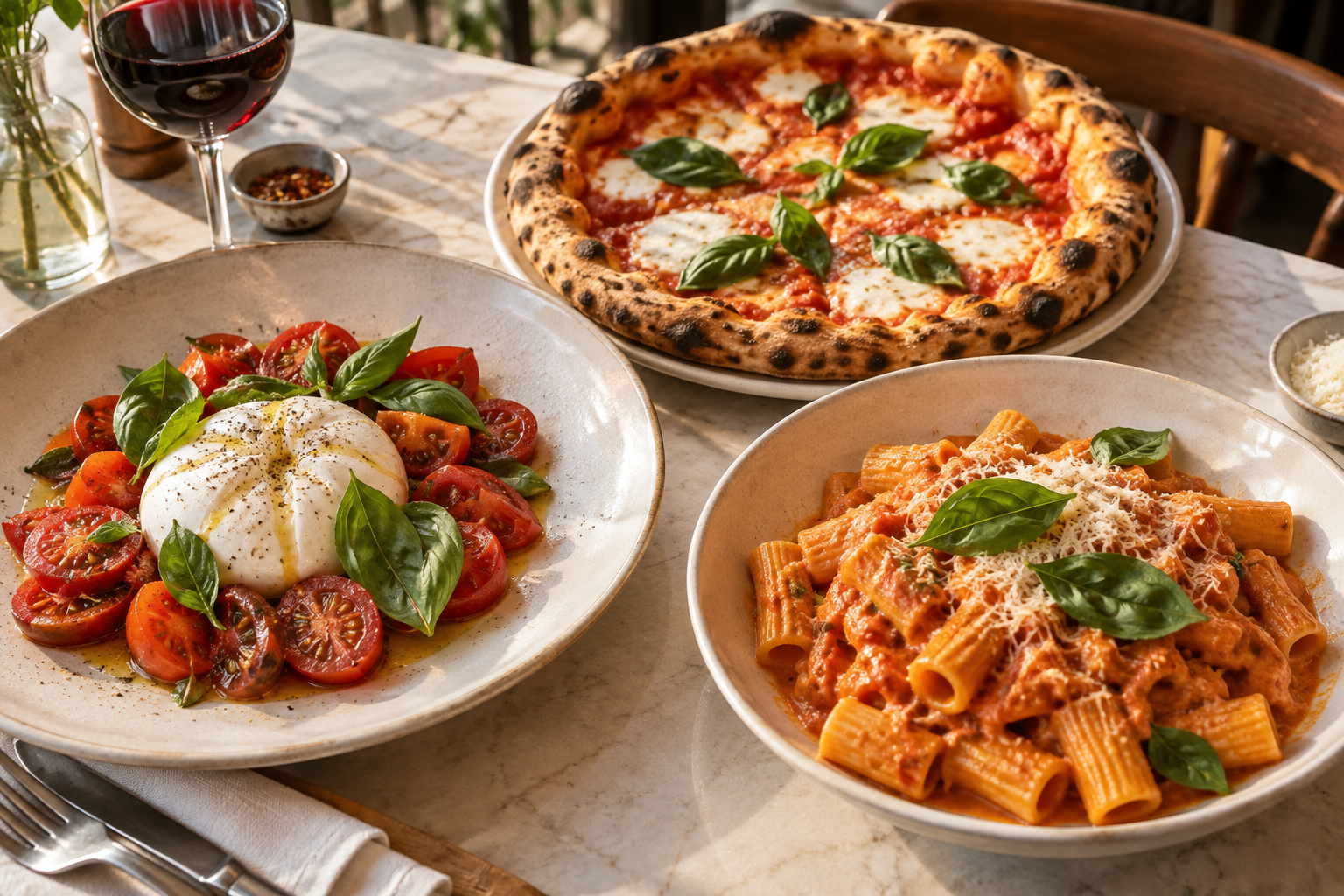 CASA BASILICO / THE FOODPRESS DEMO RESTAURANT
DON’T JUST TAKE OUR WORD FOR IT.
Build a menu. Choose an accordion, tabs or a featured-dish slider. Generate its shortcode and see it inside a normal WordPress page, surrounded by the website’s own theme.
See the WordPress workflow in our illustrated tour, with short guides for creating and publishing your menus.
Screenshots from the V2 alpha. Fictional restaurant. Features may vary by release.
YOUR WEBSITE. YOUR RESTAURANT.
Build menus and nested categories in one dashboard. Add online ordering and reservations when your restaurant needs them.
Choose menus, category filters, featured dishes, layouts, colors and fonts in the backend. Preview the result and copy its shortcode.
Paste into a WordPress Shortcode block or a shortcode-capable page-builder widget. Your theme, header and footer stay in place. Create different embeds from the same menu data.
BUILT FOR YOUR NEXT CLIENT, TOO.
Menu design is included in core. White Label is the annual add-on for presenting the menu generator as your agency’s own service.
Explore menu design →Match the restaurant’s website with colors, fonts, sizes, themes, layouts, its own logo and icon packs. Save reusable design profiles. No White Label add-on needed.
With the annual White Label add-on, replace FoodPress’s dashboard and sidebar logo with your agency logo. Set your own product name, support links and custom or hidden footer credit.
Include your agency identity in a reusable profile for your next client site. Clients see your brand; FoodPress remains the underlying system. White Label renews annually and includes updates and support. Installed add-ons keep working after expiration. See the annual add-ons panel for the current single-site White Label price. Higher-site and reseller terms are not offered yet.
BEFORE YOU PULL UP A CHAIR.
A fresh start should come with a clear picture.
THE NEXT CHAPTER IS ON THE MENU.
Explore FoodPress today. Join the release list for plugin availability and updates.
Free Core · WordPress first · Optional annual add-ons
FIRST TO THE TABLE.
Join the list for FoodPress release news, new features and product updates.
FoodPress stores your email address and signup consent to send release news and product updates. We don’t sell your address. Each update will include an unsubscribe link.